How to Make Your First Deposit on VM Scream Using GCash (PHP 100 Minimum)
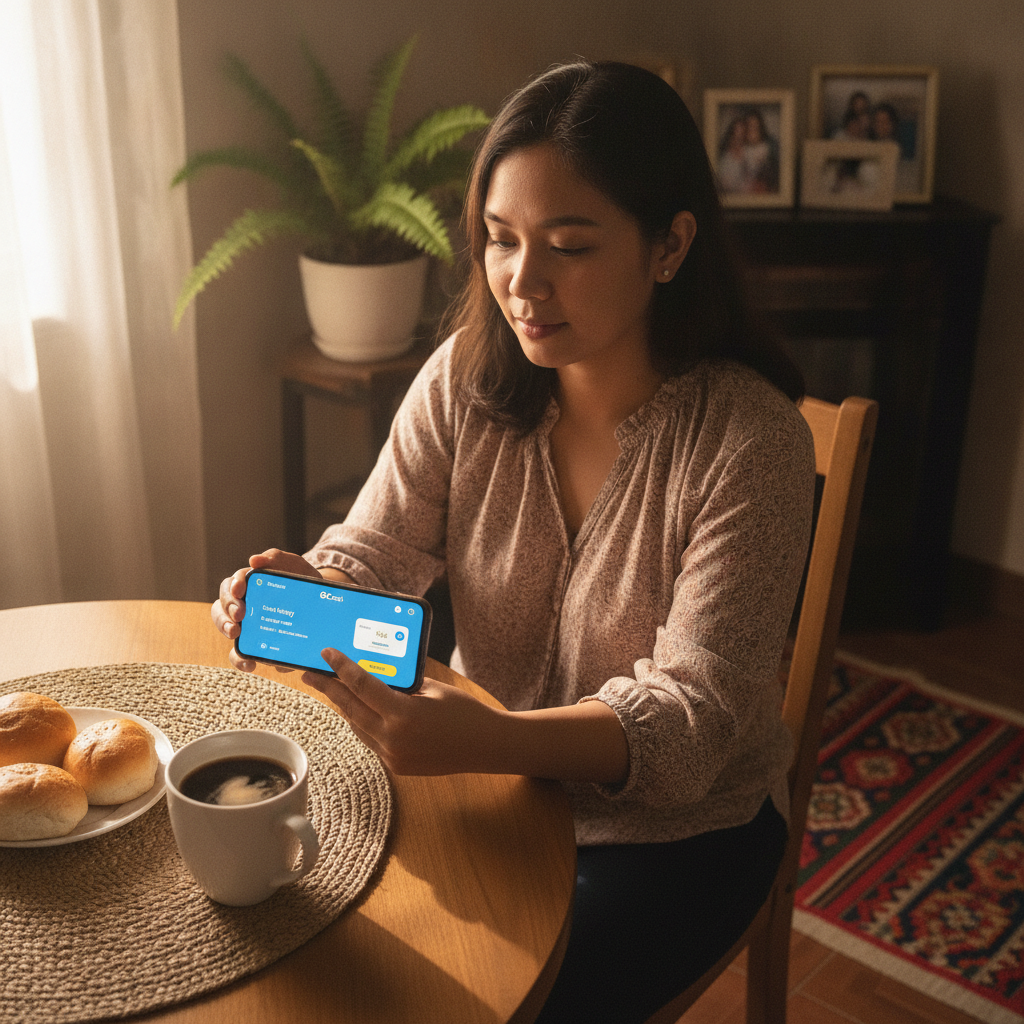
VM Scream Minimum Deposit Amounts in PHP
VM Scream sets its minimum deposit at PHP 100 for GCash transactions. This low entry point makes it accessible for Filipino players who want to try slots, live dealer games, or sports betting without committing a large amount upfront.
The PHP 100 minimum applies whether you're funding your account for the first time or topping up later. There is no difference in the minimum based on your deposit method—GCash, Maya, and bank transfer options all share the same floor.
Most players in Metro Manila and the provinces stick to deposits between PHP 100 and PHP 500 per transaction. This range fits the typical budget for casual sessions on slots or a few bets on PBA or NBA games.
VM Scream does not publish a maximum deposit limit on its cashier page, but GCash itself imposes daily and monthly transaction caps depending on your verification level. Fully verified GCash accounts can send up to PHP 100,000 per month, which is more than enough for regular play.
Before you deposit, make sure your VM Scream account is registered and your GCash wallet has sufficient balance. If you have not yet signed up, you will need to complete the VM Scream register process and verify your mobile number first.
Step-by-Step: Linking Your GCash Account and Making a Deposit
VM Scream does not require you to "link" your GCash account in the traditional sense. Instead, each deposit is processed as a one-time transfer using your GCash mobile number and PIN. Follow these steps to make your first deposit:
1. Log in to your VM Scream account
Open the VM Scream website on your mobile browser or app. Tap the VM Scream login button and enter your registered mobile number and password. If you are already logged in, skip to the next step.
2. Go to the cashier or deposit page
Look for a button labeled "Deposit," "Cashier," or "Add Funds" in the top menu or account dashboard. Tap it to open the deposit screen.
3. Select GCash as your payment method
You will see a list of deposit options: GCash, Maya, InstaPay, and PESONet. Tap GCash.
4. Enter your deposit amount
Type in the amount you want to deposit. The minimum is PHP 100. Most Filipino players choose PHP 100, PHP 200, PHP 300, or PHP 500 for their first deposit.
Double-check the number before you proceed. Some platforms do not allow you to cancel a deposit once it is submitted.
5. Confirm the transaction
Tap "Confirm" or "Proceed." VM Scream will generate a payment reference number and redirect you to the GCash payment gateway.
6. Complete the payment in GCash
You will land on a GCash-branded page or be prompted to open the GCash app. Enter your GCash mobile number if requested, then authenticate with your four-digit MPIN.
Review the transaction details:
- Merchant name: VM Scream or a payment processor name
- Amount: The PHP amount you entered
- Reference number: Matches the one shown on VM Scream
Tap "Confirm" or "Pay Now" in the GCash app.
7. Wait for the confirmation message
GCash will send you an SMS confirming the payment. The message includes the transaction ID, amount, and recipient name. Save this SMS in case you need to contact VM Scream support.
8. Return to VM Scream
Your browser or app should automatically redirect you back to VM Scream. If it does not, manually return to the site and check your account balance.
If the deposit does not appear immediately, wait a few minutes and refresh the page. Most GCash deposits credit within seconds, but network delays can extend the wait to five minutes.
How Long It Takes for GCash Deposits to Appear in Your VM Scream Balance
GCash deposits on VM Scream are usually instant. In most cases, your account balance updates within 5 to 30 seconds after you confirm the payment in the GCash app.
Occasionally, deposits may take up to 5 minutes during peak hours—especially in the evenings when many players log in, or during major sports events like PBA finals or NBA playoff games.
If your deposit has not appeared after 10 minutes, follow these steps:
- Check your GCash transaction history. Open the GCash app, tap "Activity," and confirm that the payment was deducted and marked as successful.
- Check your VM Scream transaction history. Log in to VM Scream, go to your account or wallet page, and look for a pending deposit entry.
- Refresh the page. Sometimes the balance display does not update until you reload the browser or app.
- Contact VM Scream support. If the GCash SMS shows a successful payment but your VM Scream balance has not changed after 15 minutes, reach out to customer service. Have your transaction ID and reference number ready.
Network issues on the GCash side or scheduled maintenance on VM Scream can cause rare delays. Always keep the GCash confirmation SMS until your balance reflects the deposit.
Typical Deposit Amounts for Filipino Players (PHP 100–500)
Data from similar online casinos and sportsbooks in the Philippines shows that most players deposit between PHP 100 and PHP 500 per session. This range aligns with the spending habits of mobile-first users who treat online betting as casual entertainment rather than a large investment.
Why PHP 100–500 is popular
- Low risk. A PHP 100 deposit lets you try a few slot spins or place a handful of sports bets without worrying about losing a week's budget.
- Fits mobile data and time constraints. Many players in the provinces have limited mobile data or play during short breaks. A PHP 200 deposit is enough for 20–30 minutes of gameplay.
- Matches minimum bet sizes. Slots on VM Scream often accept bets as low as PHP 1 to PHP 5 per spin. PHP 100 gives you 20 to 100 spins depending on your bet level. Live dealer tables and PBA betting lines may have minimums of PHP 50 to PHP 100, so a PHP 300 deposit covers a few rounds.
- GCash top-up availability. Many Filipinos load GCash in PHP 100 or PHP 500 increments at 7-Eleven, sari-sari stores, or through online banking. It is natural to deposit the same amounts into VM Scream.
If you are new to online casinos, start with PHP 100 or PHP 200. This gives you enough balance to explore the slot lobby, try a live baccarat or roulette table, and place a test bet on a basketball game without overcommitting.
Once you are comfortable with how VM Scream works—how to navigate the game lobby, how payouts are calculated, and how quickly withdrawals process—you can decide whether to increase your deposit size.
Higher deposits (PHP 1,000+)
Some players deposit PHP 1,000 or more, especially if they plan a longer session or want to qualify for a reload bonus. However, this guide focuses on first-time users, and we recommend starting small until you understand the platform.
Remember that all deposits are final. VM Scream does not offer refunds once funds enter your account balance. Only deposit what you can afford to lose.
21+ and Responsible Gambling Reminder
VM Scream is open only to players aged 21 and over. You must be of legal gambling age in the Philippines to register, deposit, and play.
Online gambling should be entertainment, not a way to make money or solve financial problems. Before you make your first deposit, set a budget and stick to it. Deposit only what you can afford to lose, and never chase losses by adding more funds in the heat of the moment.
If you find yourself depositing more than you planned, spending more time than intended, or feeling anxious about your balance, take a break. VM Scream and most online casinos offer self-exclusion tools and deposit limits in the account settings.
For help with problem gambling, contact the National Center for Mental Health or local support services in the Philippines.
This guide is provided for informational purposes only. VM Scream Guide PH is an independent site and is not operated by or affiliated with VM Scream. Always verify deposit methods, minimums, and terms on the official VM Scream website before you play.